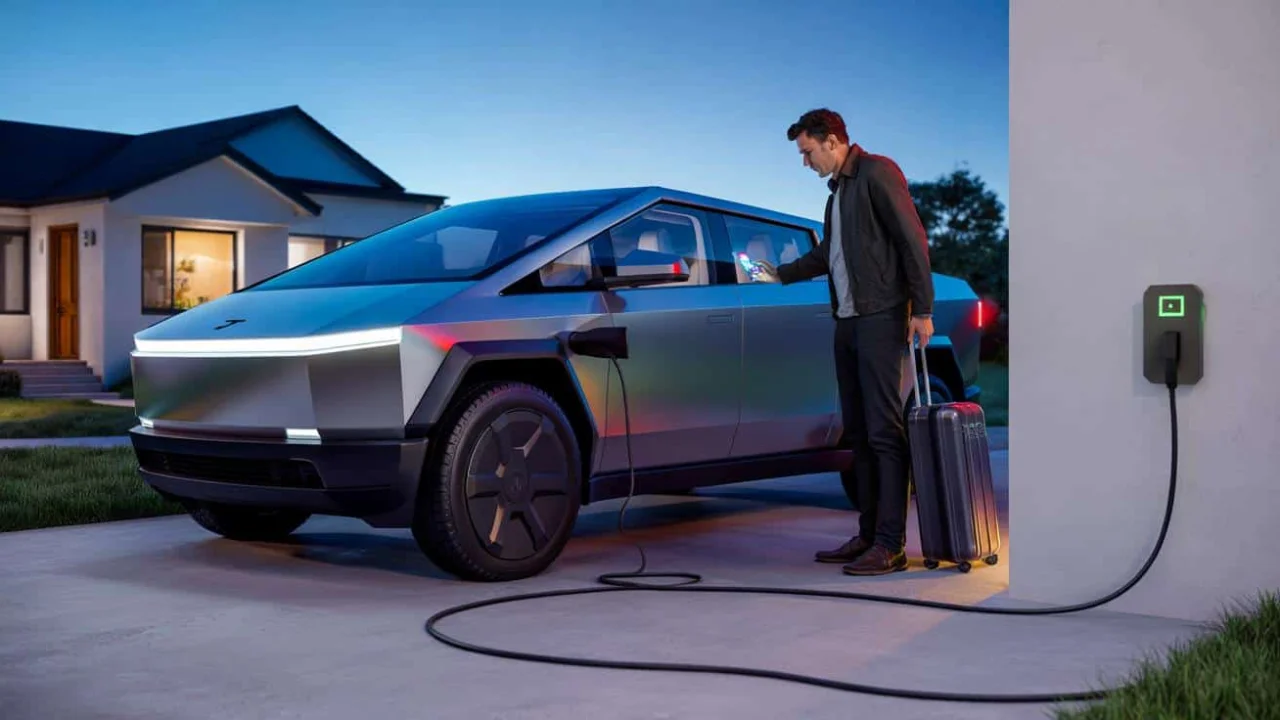
Picture this: You’ve saved up for months, maybe years, to buy that futuristic Tesla Cybertruck sitting in your driveway. You’re about to leave for a two-week vacation, and like any responsible EV owner, you plug it in. Why wouldn’t you? It’s the smart thing to do, right?

That’s exactly what happened to Dave, a software engineer from Austin. He left his Cybertruck plugged into his home charger at 85% battery, confident he’d return to a fully charged vehicle ready for whatever adventures awaited. Instead, he came back to what he describes as “an expensive paperweight” – a truck that wouldn’t respond to his key, his app, or even his frustrated fist-pounding on the door.
Dave’s story isn’t unique. Across Tesla forums and social media groups, a troubling pattern is emerging with Tesla Cybertruck charging issues that leave owners stranded with unresponsive vehicles after extended periods of being plugged in.

The Mystery Behind Dead Cybertrucks
You’d think leaving an electric vehicle plugged in would be the safest bet. After all, isn’t that what charging infrastructure is designed for? But the Tesla Cybertruck charging issue reveals a more complex reality lurking beneath that stainless steel exterior.
The Cybertruck isn’t just a battery on wheels. It’s essentially a computer on wheels with multiple systems running simultaneously. Even when you walk away, various components stay active – monitoring battery temperature, maintaining cellular connections, running security systems, and keeping software updated. All of this activity drains power, even while plugged in.

“Modern EVs have what we call ‘vampire drain,'” explains automotive technician Sarah Chen, who’s worked on multiple Cybertruck cases. “But what we’re seeing with some Cybertrucks goes beyond normal phantom load. It’s like the systems get confused during long idle periods.”
The problem seems to stem from a combination of factors. The truck’s 12V auxiliary battery, which powers the computers and electronics, can sometimes fail to charge properly from the main battery pack. When this happens during extended periods, the entire system can shut down – even while connected to external power.

What Owners Are Experiencing
Tesla Cybertruck charging issues manifest in several ways, and the symptoms can be surprisingly varied. Here’s what affected owners are reporting:
- Complete system shutdown despite being plugged in for days or weeks
- Tesla app showing offline status with no vehicle response
- Physical key cards failing to unlock doors
- Charging port light remaining on but no actual charging occurring
- Dashboard and touchscreen completely black upon return
- Inability to shift into drive even after gaining entry to vehicle

| Duration Plugged In | Reported Issues | Recovery Method |
|---|---|---|
| 1-3 days | App connectivity issues | Usually resolves with time |
| 1-2 weeks | Complete system shutdown | Jump start or service center |
| 3+ weeks | Deep system failure | Service center towing required |
The financial impact varies dramatically. Some owners get lucky with a simple jump-start procedure that costs nothing more than a service call. Others face towing fees, diagnostic charges, and in worst cases, component replacements that can run into thousands of dollars.
“I thought I was being responsible by keeping it plugged in,” says Jennifer Martinez, a Cybertruck owner from Phoenix. “Instead, I ended up with a $200 towing bill and three days without my truck while Tesla figured out what went wrong.”
Who Gets Hit Hardest
The Tesla Cybertruck charging issue doesn’t discriminate, but certain patterns are emerging. Owners who travel frequently for work seem particularly vulnerable. Business travelers, vacation-goers, and anyone who parks their Cybertruck for extended periods while plugged in are most at risk.
Geographic factors also play a role. Extreme temperatures – both hot and cold – appear to exacerbate the problem. Arizona and Texas owners report higher incident rates during summer months, while northern states see spikes during winter cold snaps.
Early adopters face additional challenges. Many of the affected vehicles are from the first production runs, suggesting software maturity issues that Tesla continues to address through over-the-air updates.
“The irony is that the people who use their trucks most responsibly are getting burned,” notes EV specialist Mike Rodriguez. “They’re following best practices for battery maintenance, but the truck’s systems aren’t handling extended idle periods gracefully.”
Tesla’s response has been mixed. Some owners receive immediate support and loaner vehicles, while others face lengthy diagnostic processes and repair delays. The company has issued several software updates aimed at addressing sleep mode issues, but the problem persists for some vehicles.
For now, many Cybertruck owners are adopting workaround strategies. Some disconnect their trucks after reaching full charge, despite this contradicting traditional EV wisdom. Others use smart plugs to cycle power periodically, though this requires technical know-how that not every owner possesses.
The bigger question remains: should a $100,000+ vehicle require such careful babysitting? As Tesla works through these growing pains, current and prospective Cybertruck owners are left wondering if the future of transportation is ready for prime time, or if they’re essentially paying to be beta testers for cutting-edge technology.
FAQs
How long can I safely leave my Cybertruck plugged in?
Most owners report no issues with periods under one week, but problems become more common after 10-14 days of continuous connection.
Will Tesla cover repairs for this charging issue?
Coverage varies depending on your warranty status and the specific cause of failure, but many owners report Tesla handling repairs under warranty.
Can I prevent this problem from happening?
Some owners avoid extended plugged-in periods or use smart plugs to cycle power, though Tesla hasn’t issued official guidance on prevention methods.
Is this a widespread problem or just isolated cases?
While not affecting every Cybertruck, enough cases have emerged in owner forums to suggest it’s more than just random failures.
What should I do if my Cybertruck won’t start after being plugged in?
Contact Tesla service immediately – attempting DIY fixes on the electrical system can void your warranty and potentially cause additional damage.
Are other Tesla models affected by similar issues?
While other Tesla vehicles can experience 12V battery problems, the specific pattern of failures after extended charging periods appears more common in Cybertrucks.
About the Author
