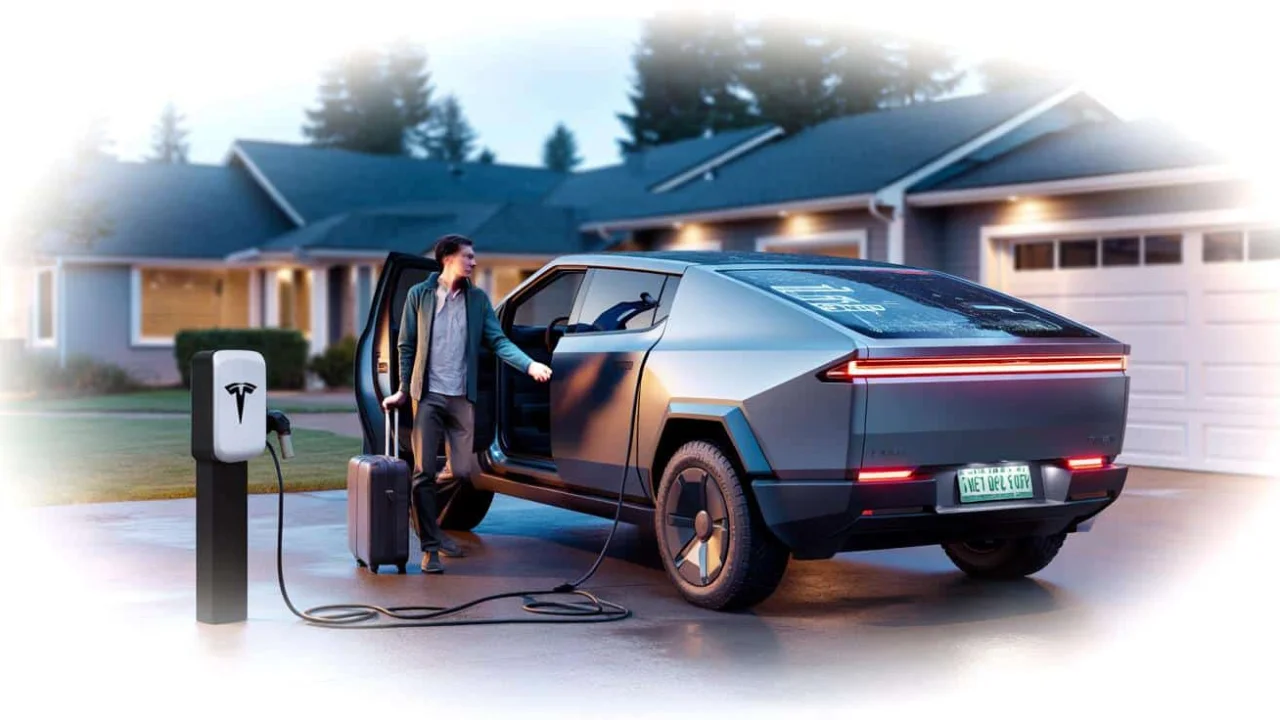
Picture this: You’ve just dropped seventy thousand dollars on Tesla’s most futuristic truck. The angular, stainless steel Cybertruck sits in your driveway like something that rolled off a movie set. Before heading out for a well-deserved two-week vacation, you do everything right – plug it in, check the Tesla app one last time, and lock up with that satisfying beep.

You return home, tan and relaxed, ready to show off your electric beast to the neighbors. You slide into the driver’s seat, press the brake pedal, and… absolutely nothing happens. The massive touchscreen stares back at you with an error message that might as well say “nope, not today.”
This isn’t science fiction – it’s happening to real Cybertruck owners right now. Despite being plugged in and charged, their trucks simply refuse to start after sitting idle for extended periods.

The Mystery of the Dead Cybertruck
When your Cybertruck won’t start despite showing a full battery, you’re experiencing one of the most frustrating issues plaguing early adopters. The main battery might read 95%, but somewhere in the truck’s complex electronic systems, something has gone wrong.
“I’ve seen this pattern before with other Tesla models, but the Cybertruck seems especially vulnerable,” explains automotive electronics specialist Mike Rodriguez. “These vehicles are essentially computers on wheels, and like any computer, they can freeze up or drain power in unexpected ways.”

The problem often lies in what Tesla owners call “vampire drain” – the slow bleeding of battery power when the vehicle should be sleeping. Unlike traditional cars that can sit for months without issues, the Cybertruck’s always-on systems can drain the 12-volt auxiliary battery that controls basic functions like unlocking doors and starting the vehicle.
Multiple Cybertruck owners have reported similar experiences on forums and social media. One owner watched his truck drop from 80% to 40% charge in just ten days while parked and plugged in. Another found their 12-volt system completely dead despite the main battery showing plenty of charge.

What’s Really Draining Your Cybertruck
Several factors can cause a Cybertruck to refuse starting after extended periods:
- Sentry Mode left active – Constantly recording and processing camera feeds
- Software update loops – Failed updates that keep the system awake
- Climate control settings – Cabin overheat protection running continuously
- Third-party app connections – Constant data requests keeping systems active
- 12-volt battery degradation – The small battery that powers accessories fails
- Network connectivity issues – Truck trying repeatedly to connect to Tesla servers

| Problem | Daily Drain | Time to Dead |
|---|---|---|
| Normal sleep mode | 1-2% | 50-100 days |
| Sentry Mode active | 5-8% | 12-20 days |
| Software loop | 10-15% | 7-10 days |
| 12V battery failure | Variable | Immediate |
“The Cybertruck’s architecture is incredibly complex,” notes EV technician Sarah Chen. “When something goes wrong in the sleep cycle, it’s like leaving your laptop running all night – eventually, even a plugged-in device can have problems.”
Real Owners, Real Problems
The impact goes beyond inconvenience. Cybertruck owners are finding themselves stranded, calling for service, or dealing with expensive repairs on vehicles that should be bulletproof.
One Texas owner missed an important business meeting when his Cybertruck wouldn’t start after a week-long conference trip. Despite being plugged into his home charger the entire time, the truck displayed multiple error codes and refused to shift into drive.
Another owner in California discovered her truck had somehow switched itself into “Transport Mode” during a two-week absence, completely locking out all normal functions. It took a Tesla service appointment and several hours to restore basic operation.
“These aren’t isolated incidents,” warns automotive journalist Tom Bradley. “Tesla’s service centers are seeing a pattern of Cybertruck no-start issues that seem related to extended parking periods, even when properly plugged in.”
The financial impact can be significant too. Some owners report towing costs, missed work, and expensive service calls – all for a truck that was supposed to be maintenance-free.
Tesla has acknowledged some of these issues through software updates, but the fixes appear inconsistent. Some owners see improvement after updates, while others continue experiencing problems despite running the latest firmware.
For now, Cybertruck owners are learning to take precautions before extended trips – disabling Sentry Mode, ensuring proper sleep settings, and even disconnecting third-party apps that might keep the vehicle awake.
The situation highlights a broader challenge with modern electric vehicles: as they become more sophisticated, they also become more vulnerable to software glitches and electronic failures that can leave owners stranded despite having a full battery.
FAQs
Why won’t my Cybertruck start even though it’s plugged in?
The most common cause is 12-volt battery failure or vampire drain from systems that won’t properly sleep, even when the main battery is charged.
How long can a Cybertruck sit before having starting problems?
Most issues appear after 7-14 days, though some owners report problems after just a few days depending on settings and software glitches.
Will Tesla fix my Cybertruck if it won’t start after parking?
Tesla typically covers these issues under warranty, but you may need to pay for towing to get the vehicle to a service center.
How can I prevent my Cybertruck from dying while parked?
Disable Sentry Mode, ensure climate settings won’t activate unnecessarily, and disconnect third-party apps before extended parking periods.
Is the Cybertruck starting problem getting worse?
Reports suggest the issue affects a significant number of early Cybertruck deliveries, though Tesla continues releasing software updates to address the problems.
What should I do if my Cybertruck won’t start after vacation?
Try a hard reset by holding both steering wheel buttons for 10 seconds, check the Tesla app for error codes, and contact Tesla service if problems persist.
About the Author